Arrows that
stay put
Select two layers in Figma Design, press Connect — and the arrow follows when you move them.
Free, with unlimited arrows. No account, no card.
A style saves the arrow and label settings above. Click one to use it; the pencil changes it for every arrow that uses it.
The lines
you keep redrawing
Figma Design has no connector arrows. So you draw lines by hand and nudge every corner into place — and the moment a frame moves, you do it all again.
Here it is two layers, one click, and an arrow that follows.
Three steps
Select two layers
Click one, Shift-click the other.
Press Connect
The arrow is drawn: straight, right-angled or curved.
Move things
Drag a frame and its arrows follow.
Your arrows,
left alone
Never deleted
Arrowify does not delete an arrow on its own. If a layer is gone, its arrow stays and is flagged.
Up to date on opening
Open the plugin and every arrow on the page is corrected.
Fast in big files
Only the arrows on the layer you moved are recalculated.
One honest limit
Arrows only move while the plugin is open — a Figma plugin cannot run when it is closed.
Pick a plan
No account needed
- Unlimited arrows
- Every shape, line, end and side
- Over, under or around layers
- Arrows follow while it is open
Per person, on 3 Figma accounts
- Everything in Free
- Labels and step numbers
- Saved styles
- Branch and numbering
- Arrows from prototype links
From 3 seats
- Pro for every seat
- One invoice
- Seats can be reassigned
3 seats — €9 per month
Payment by Stripe, with an invoice. Free against Pro, line by line, is on the pricing page.
Good to know
Not in arrows. Shapes, lines, ends, sides, over, under or around, and following are all free, with no account.
Labels and step numbers, saved styles, branching with numbering, and arrows drawn from your prototype links.
No. They are corrected the moment you open it.
Never on its own. If a layer is deleted, its arrow stays and is flagged.
Pro is €29 once per person, on up to 3 of your Figma accounts. Team is €3 per seat a month, from 3 seats.
The dashboard emails it to the address you paid with.
More in the docs and the help pages.
In short
Arrowify is a Figma plugin that draws connector arrows between frames and layers in Figma Design, for user flows, sitemaps and diagrams. You select two layers and press Connect. Arrows are straight, right-angled or curved, follow their frames while the plugin is open, and are brought up to date when it is opened. The plugin never deletes an arrow on its own. Drawing is free and unlimited. Pro adds labels, saved styles, branching and arrows from prototype links for €29 once per person; teams pay €3 per seat a month, from 3 seats.
Draw the flow
once
Free, with unlimited arrows. No account, no card.
One of
a family
Arrowify is one of the -ify plugins: small Figma tools, each for one job, built and supported by the same person.
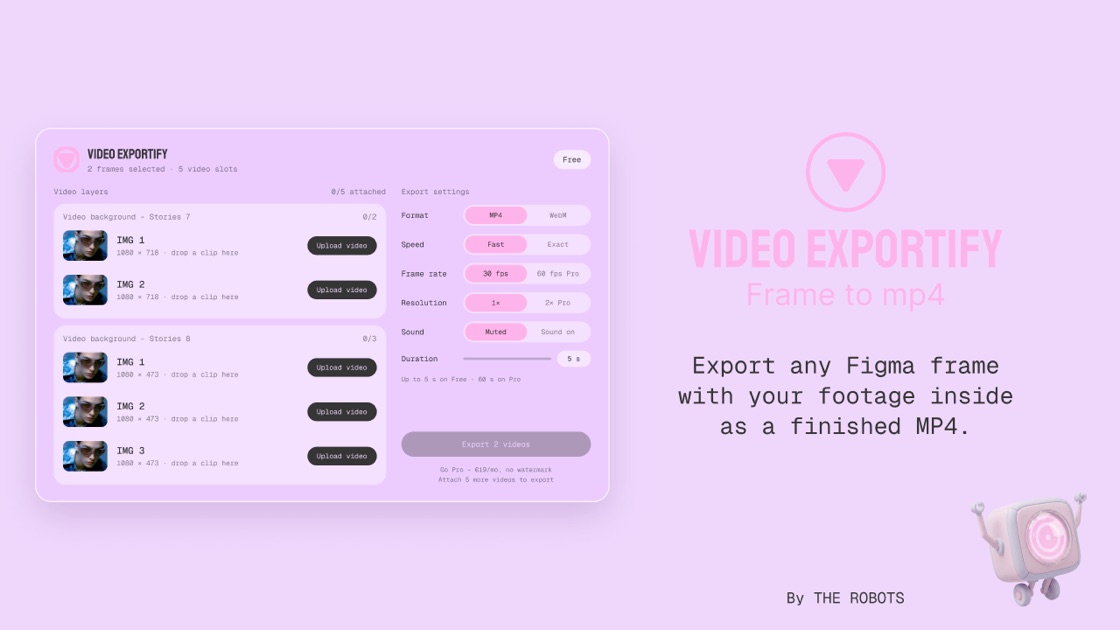 More plugins by THE ROBOTS